Start when the workaround has become part of the job
A business should consider building its own software when a recurring, valuable workflow keeps breaking across its existing tools—and the cost of that friction justifies owning a better system. Repeated data entry, slow approvals and staff checking several screens to answer one question are useful signals. You also need someone responsible for the software after launch.
Our view: now is a good time to revisit projects you dismissed as too expensive or too specialized. AI-assisted development makes it practical to explore narrower, more tailored solutions. The first opportunity might be a shared workspace that removes a daily bottleneck. It does not need to be a replacement for everything you run.
AI changes the work involved in building
A custom application can follow your actual process: the exceptions your dispatchers handle, the approval your finance team needs, the information a customer should see. You get to design those details instead of arranging the business around whichever fields a subscription product provides.
AI coding tools can help turn that design into code, tests and revisions. GitHub documents agent capabilities and their limits, including the need to review and test generated code. That changes how a team approaches implementation; it does not establish a universal discount or a guaranteed launch date.
The useful question is whether a specific workflow has become affordable to build and operate. A small internal tool with known inputs is a different investment from replacing billing across the company. Price the actual scope, then test the riskiest connection before committing to the rest.
You may uncover opportunities that never made it into a software brief: a way to reconcile conflicting records, route unusual requests or prepare a complete decision for a manager. Start by watching people do the work. The most valuable feature may be the step everyone has learned to tolerate.
Build, buy or connect: make the decision per workflow
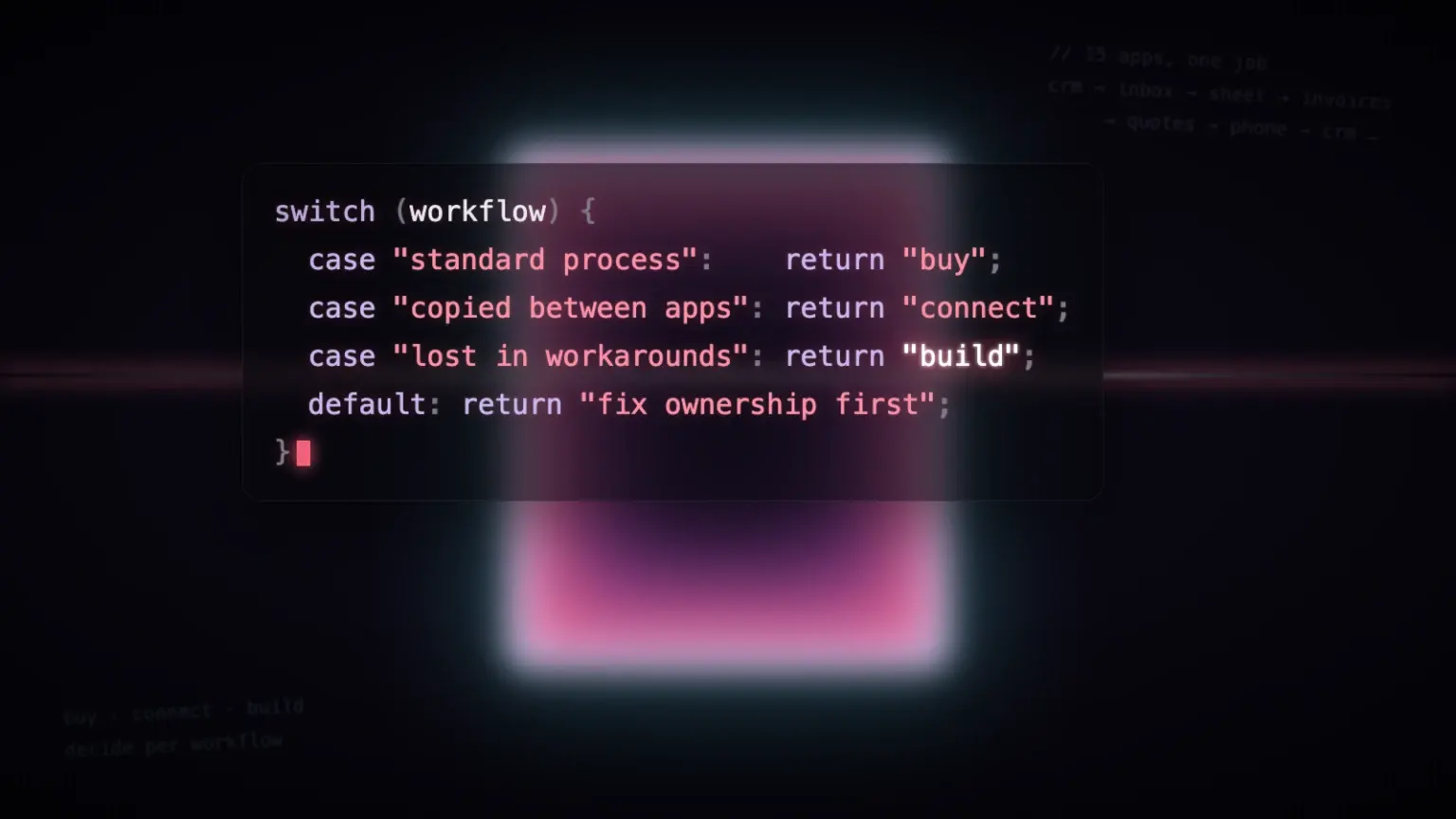
The build vs. buy software decision rarely needs one answer for the whole company. Keep products that handle a standard job well. Connect them where the missing piece is a handoff. Build where your process needs behavior that the available tools cannot reasonably provide.
| What you find | A sensible first move |
|---|---|
| A standard process already covered by a reliable product | Buy or keep it; configure it properly. |
| Good applications with people copying information between them | Connect the systems and build a shared view. |
| A valuable workflow distorted by multiple workarounds | Scope a custom application around the complete job. |
| A process nobody can explain or take responsibility for | Resolve ownership and rules before commissioning software. |
Compare the full cost on both sides. Existing tools cost more than their subscriptions when employees spend hours reconciling them. Custom software costs more than its first build: hosting, model usage, API access, security, support, backups, training and future changes all belong in the estimate.
Agree on a baseline: time from request to completion, rework, unresolved exceptions and the cost of running the workflow. Time saved creates capacity; it becomes a financial benefit only when you can use that capacity productively or remove an actual cost.
Fifteen apps do not have to mean fifteen separate workflows
Consider an illustrative commercial maintenance company. Sales works in a CRM, operations schedules technicians, finance issues invoices, and customer instructions live in email. Before confirming a job, someone checks each system and copies the answer into the next one.
A custom operations workspace could bring the customer, location, equipment, work order and payment status into one view. The accounting package can stay. The scheduling tool can stay if its API supports the job. The new application owns the missing workflow between them.
An agent could read an incoming request, suggest the relevant work order, flag a conflict with an earlier instruction and prepare the next action. Application rules check the customer, availability and permissions. Staff review the exception instead of assembling every piece of context themselves.
APIs make those connections possible, but the integration has to survive real events. For example, Stripe warns that webhook events can arrive out of order and more than once. A payment notification must not create a second job or overwrite a newer status. Plan for retries, unavailable services and a visible queue of failed updates.
Retire an old tool only after the replacement covers the work people actually use it for, the records reconcile and there is a recovery plan. Our agentic rebuild work follows that retain, connect and replace decision across the stack.
Better context makes the same model more useful
When customer history, current jobs, invoices and approved procedures can be retrieved together, a model has more relevant evidence for the question in front of it. A generic answer can become a recommendation tied to the actual account and current situation.
This is one purpose of retrieval-augmented generation: finding relevant information and supplying it to the model. Amazon Bedrock describes how knowledge bases retrieve business information to inform responses. Connecting data does not change the underlying model’s intelligence or make its decisions automatically correct.
“One place” can mean one permission-aware application over several sources. It does not require copying everything into a single database. Decide which system owns each fact, preserve timestamps and source links, and check access before information reaches the model.
Use that context to look for mismatched addresses, instructions that contradict an approved procedure or jobs with an unexplained billing status. Treat model-flagged issues as candidates to investigate. Use database checks for exact duplicates and calculations, and test model judgments against examples your team has already reviewed. Our AI-ready data guide covers the preparation in more detail.
Build the security into the connection
A connected business can move faster because the software has access to more of the operation. That same access makes mistakes more consequential. Define what each employee and agent may read, propose and change before wiring up the workflow.
OWASP’s excessive-agency guidance recommends limiting tool functionality and permissions, enforcing authorization outside the model, and requiring human approval for high-impact actions. A prompt that says “be careful” cannot enforce those boundaries.
- Use separate identities for employees and automated services. Restrict each to the records and actions its job requires.
- Keep credentials in controlled server-side services. Give agents specific operations, such as preparing a work order, rather than unrestricted database access.
- Let routine actions run within tested rules. Route exceptions, significant payments and destructive changes through explicit approval.
- Keep an action history that shows who or what made a change. Monitor failures and provide a way to pause automation.
Review generated code, test access with different user roles, protect data in transit and storage, and test restoring backups. Include malicious instructions hidden in incoming documents in your agent tests. Assign someone to patch the system and handle incidents. These are part of the product’s operating cost, and should be in the initial scope.
Train people on their work, not just on prompting
Give employees a useful place to start: prepare a customer handover, investigate a delayed job, compare an invoice with the agreed scope. Show them what information the assistant can see, which actions it can take and how to inspect the evidence behind an answer.
Practice with a wrong answer as well as a good one. People need to know how to correct a record, reject a suggestion, escalate uncertainty and continue working when automation is unavailable. Keep those corrections available to the team improving the system.
Measure whether the workflow is getting better. Track completion time, accepted suggestions, rework and exceptions alongside operating cost. If people still export a spreadsheet to finish the job, investigate the missing step before adding another agent.
Choose one bottleneck you can finish
Pick a recurring workflow with a clear owner and an observable outcome. Map its records, permissions and exceptions. Compare configuring an existing product, integrating the tools you have and building the missing application. Then release a small, complete version to the employees who do that work.
The opportunity is substantial: software shaped around the business, connected records that make AI useful, and fewer manual handoffs between a request and a result. Start where you can prove that improvement. Expand from the work that holds up in daily use.
Talk with us about the workflow you want to change. Bring the apps involved, the workaround your team uses and what a better result would look like.
Written by the dplyz team
Senior engineers who work inside client companies to take AI from pilot to production: agentic workflows, AI integration and the platform work around them.